
How to Prevent Stock-Outs and Automate Your Reordering Process
Quick Summary: Stock-outs cost retail businesses customers and revenue daily. In this guide, you'll learn what causes stock-outs, how to set reorder points, and how automated inventory management software can keep your shelves stocked without constant manual effort.
You walk into your shop on a busy Monday morning, and a customer asks for one of your best-selling products. Your staff checks the shelf — empty. You check the store room — nothing. You just lost a sale, and possibly a loyal customer.
This scenario plays out every day in thousands of retail businesses across Nigeria. Stock-outs are one of the most common and most expensive problems in retail — yet most business owners are still relying on manual counting, guesswork, and memory to manage their inventory.
In this guide, we'll break down what actually causes stock-outs, how to prevent them with smart reordering strategies, and how modern inventory management software can automate the entire process for you.
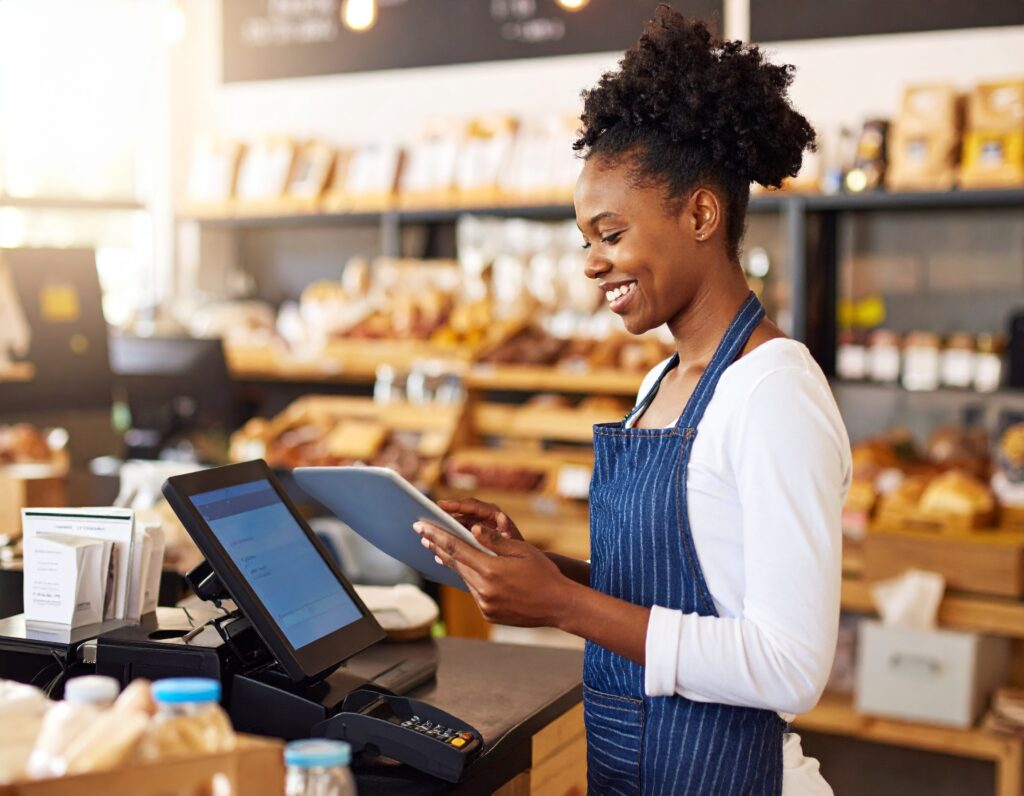
A retail shop owner reviewing stock levels on a modern POS system.
What Is a Stock-Out and Why Does It Happen?
A stock-out occurs when a product a customer wants to buy is completely unavailable at the point of sale. It's not just a missed transaction — research by Harvard Business Review shows that when customers encounter out-of-stock items, around 21–43% of shoppers simply go to a competitor rather than wait or come back.
Stock-outs in retail businesses typically happen because of:
- Poor demand forecasting — Not knowing how fast products sell
- Delayed reordering — Waiting until a product is completely finished before reordering
- Manual tracking errors — Counting stock by hand leads to miscounts
- No reorder alerts — There's no system notifying you when stock drops low
- Supplier lead times ignored — Not accounting for the time it takes to restock after placing an order
- Staff theft or loss — Untracked items quietly disappearing from shelves
Each of these is preventable — but only if you have the right system in place.
The Real Cost of Stock-Outs for Your Business
Many business owners focus on revenue lost from the immediate missed sale, but the full cost of stock-outs goes much further:
- Lost revenue — Every out-of-stock product is a direct income gap
- Customer churn — Customers who experience repeated stock-outs stop returning
- Brand damage — Shoppers recommend stores they trust to have what they need
- Staff inefficiency — Your team spends time apologizing and manually searching for alternatives
- Emergency restocking costs — Panic-buying from suppliers at higher prices hurts margins
According to the International Finance Corporation, retail businesses in emerging markets lose up to 4% of annual revenue due to out-of-stock situations. For a business turning over ₦5 million monthly, that's potentially ₦200,000 in avoidable losses every month.
What Is a Reorder Point — and How Do You Calculate Yours?
A reorder point (ROP) is the specific stock level at which you should place a new order for a product, so that it arrives before you run out. Getting your reorder points right is the foundation of preventing stock-outs.
The basic formula is:
Reorder Point = (Average Daily Sales × Lead Time) + Safety Stock
Let's say you sell an average of 20 units of a product per day, your supplier takes 3 days to deliver, and you want a safety buffer of 15 units:
ROP = (20 × 3) + 15 = 75 units
This means: when your stock drops to 75 units, it's time to reorder. By the time your order arrives in 3 days, you'll have just enough buffer remaining.
The challenge? Manually calculating and monitoring this for dozens or hundreds of products is nearly impossible. That's where automated inventory management comes in.
How to Prevent Stock-Outs: 6 Practical Strategies
1. Set Low Stock Alerts for Every Product
Rather than physically checking shelves, your inventory system should alert you the moment a product's quantity drops below a defined threshold. This gives you time to reorder before you run out — not after.
2. Track Sales Velocity Per Product
Some products sell 50 units a day; others move 5. Your reordering strategy should reflect actual sales data, not guesswork. A good POS system automatically records how fast each product sells so you can plan accordingly.
3. Maintain Safety Stock for High-Demand Items
Safety stock is a buffer above your expected demand — your cushion for unpredictable spikes. Fast-moving products — promotional items, bestsellers, seasonal goods — should always have a safety stock threshold.
4. Factor In Supplier Lead Times
Don't reorder when you're already at zero. Know how long each supplier takes to deliver and build that into your reorder point. Local suppliers may take 1–2 days; others may need 5–7 days, especially for imported goods.
5. Use Barcode Scanning for Accurate Stock Records
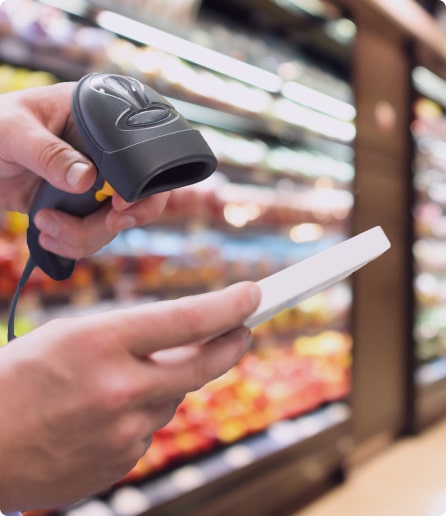
Manual stock counting is error-prone. Barcode scanning at the point of sale ensures every unit sold is automatically deducted from your inventory, giving you real-time accuracy without extra effort.
6. Review Inventory Reports Regularly
Weekly or bi-weekly inventory reports help you spot patterns — what's consistently running low, what's overstocked, and which products are generating the most revenue. Data-driven restocking beats instinct every time.
How Automated Inventory Management Software Solves This
Manually applying all six strategies above across a busy retail business is time-consuming and still prone to human error. This is why smart retailers are switching to automated inventory management software — software that handles the tracking, alerting, and reporting for them.
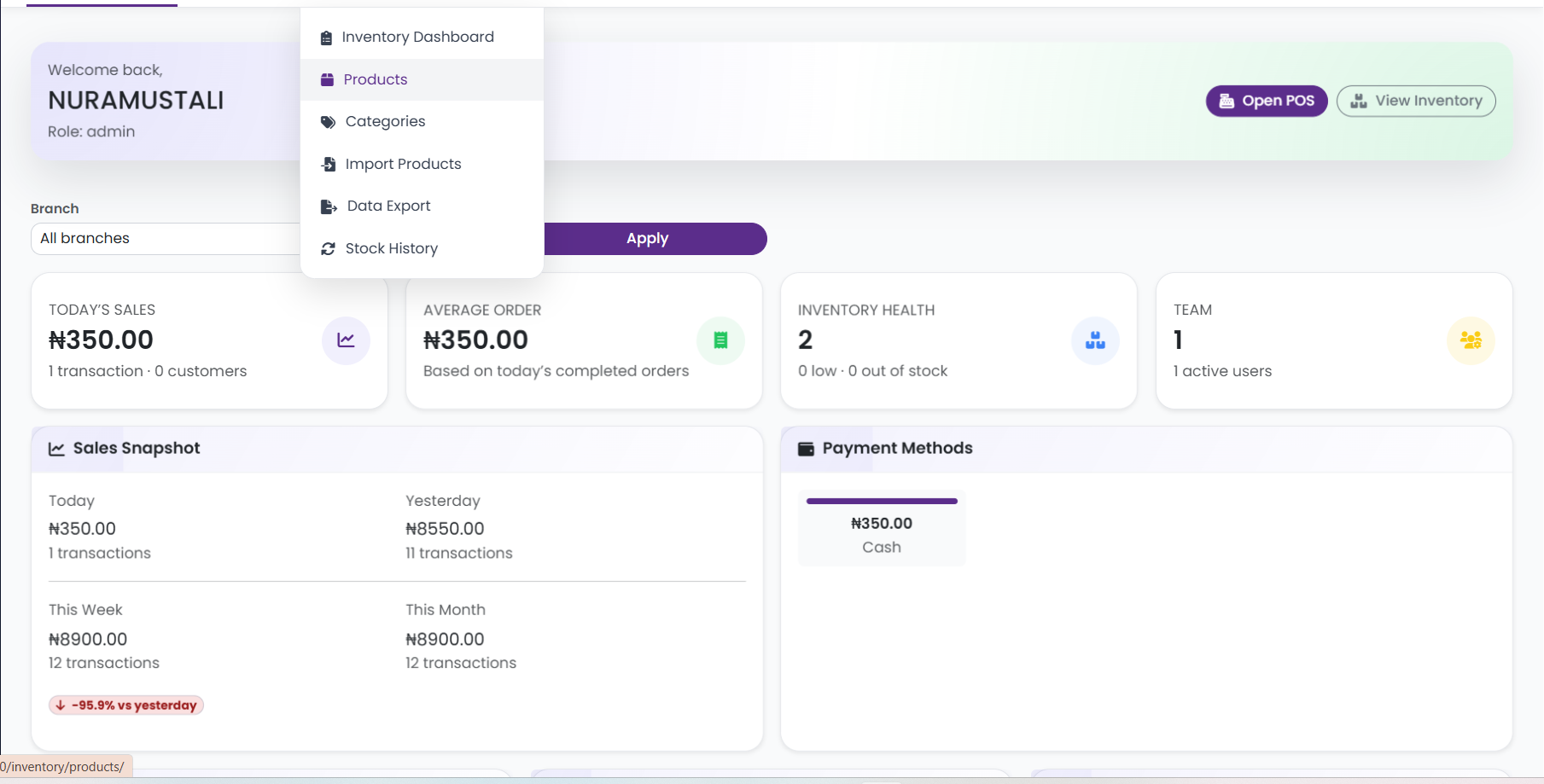
A system like SwiftPOS — a cloud-based POS and inventory management solution built for Nigerian businesses — automates the most labour-intensive parts of this process:
- ✅ Real-time inventory tracking — Every sale automatically updates your stock count
- ✅ Low stock alerts — Get notified when a product hits your defined threshold
- ✅ Barcode POS scanning — Accurate stock deductions on every transaction
- ✅ Full P&L reports — Understand which products are most profitable
- ✅ Bulk product import — Set up hundreds of products quickly
- ✅ Multi-branch support — Monitor stock across all your locations in one dashboard
- ✅ Audit logs — Track every inventory movement to catch discrepancies early
Instead of discovering a stock-out when a customer asks, you get an alert days in advance — while you still have time to act.
Manual Inventory vs Automated Inventory: A Quick Comparison
| Feature | Manual Tracking | Automated (SwiftPOS) |
|---|---|---|
| Stock count accuracy | ❌ Prone to errors | ✅ Updated per transaction |
| Low stock alerts | ❌ None | ✅ Automatic alerts |
| Sales velocity tracking | ❌ Manual and slow | ✅ Real-time reports |
| Multi-branch visibility | ❌ Very difficult | ✅ Centralized dashboard |
| Theft/loss detection | ❌ Rarely caught early | ✅ Audit logs + alerts |
| Cost | ₦0 upfront, high hidden cost | From ₦3,000/month |
What Does It Cost to Get Started?
One of the most common reasons retail business owners delay switching to an automated system is the assumption that it's expensive. SwiftPOS offers plans designed to fit businesses at every stage:
- Starter — ₦3,000/month: Ideal for small shops. Includes POS, inventory management, customer credit system, and basic sales reports.
- Standard — ₦6,000/month: For growing businesses. Adds barcode POS, bulk product import, full P&L reports, audit logs, and data export.
- Pro — ₦12,000/month: For multi-branch or large retail operations. Includes unlimited orders, multi-branch support, suspicious activity detection, and advanced audit logs.
Every plan comes with 1 month free when you subscribe annually. You can review the full plan details at swiftpos.ng/pricing.

Frequently Asked Questions
What is the difference between a stock-out and overstock?
A stock-out means you've run out of a product. Overstock means you're holding too much — tying up capital in slow-moving goods. Good inventory management helps you avoid both extremes by keeping stock levels optimal.
How do I know when to reorder a product?
Use the reorder point formula: (Average Daily Sales × Lead Time) + Safety Stock. Better yet, use inventory management software that monitors this automatically and sends you low stock alerts.
Can SwiftPOS work for a business with multiple branches?
Yes. The SwiftPOS Pro plan includes full multi-branch support, allowing you to view and manage inventory across all your locations from one dashboard.
Does SwiftPOS work if there's no internet connection?
SwiftPOS supports offline order processing, so your POS continues to function during internet disruptions — an important feature for businesses in Nigeria where connectivity can be intermittent.
Is automated inventory management suitable for small shops?
Absolutely. Even small shops benefit significantly from automated stock tracking. The SwiftPOS Starter plan at ₦3,000/month is specifically designed for small retail businesses that want to move beyond manual tracking without a large investment.
Start Preventing Stock-Outs Today
Stock-outs don't just cost you one sale — they cost you customers, reputation, and long-term revenue. The good news is that with the right tools, preventing them is not complicated or expensive.
Set your reorder points, track your sales velocity, enable low stock alerts, and let your inventory system do the heavy lifting. Your business deserves better than reactive, last-minute restocking.
Ready to automate your inventory and prevent stock-outs?
SwiftPOS helps retail businesses in Nigeria track sales, monitor stock levels, receive low stock alerts, and manage reordering — all from one easy-to-use system.
- 🔗 Explore plans: swiftpos.ng/pricing
- 💬 Chat with us on WhatsApp: +2349164601810
- 🎁 Get 1 month free when you subscribe annually on any plan
