
Every tool your store needs, built for African retail.
Built from the ground up for the realities of physical retail in Africa — checkout that works offline, complete inventory visibility, protection against internal theft, and multi-branch intelligence.
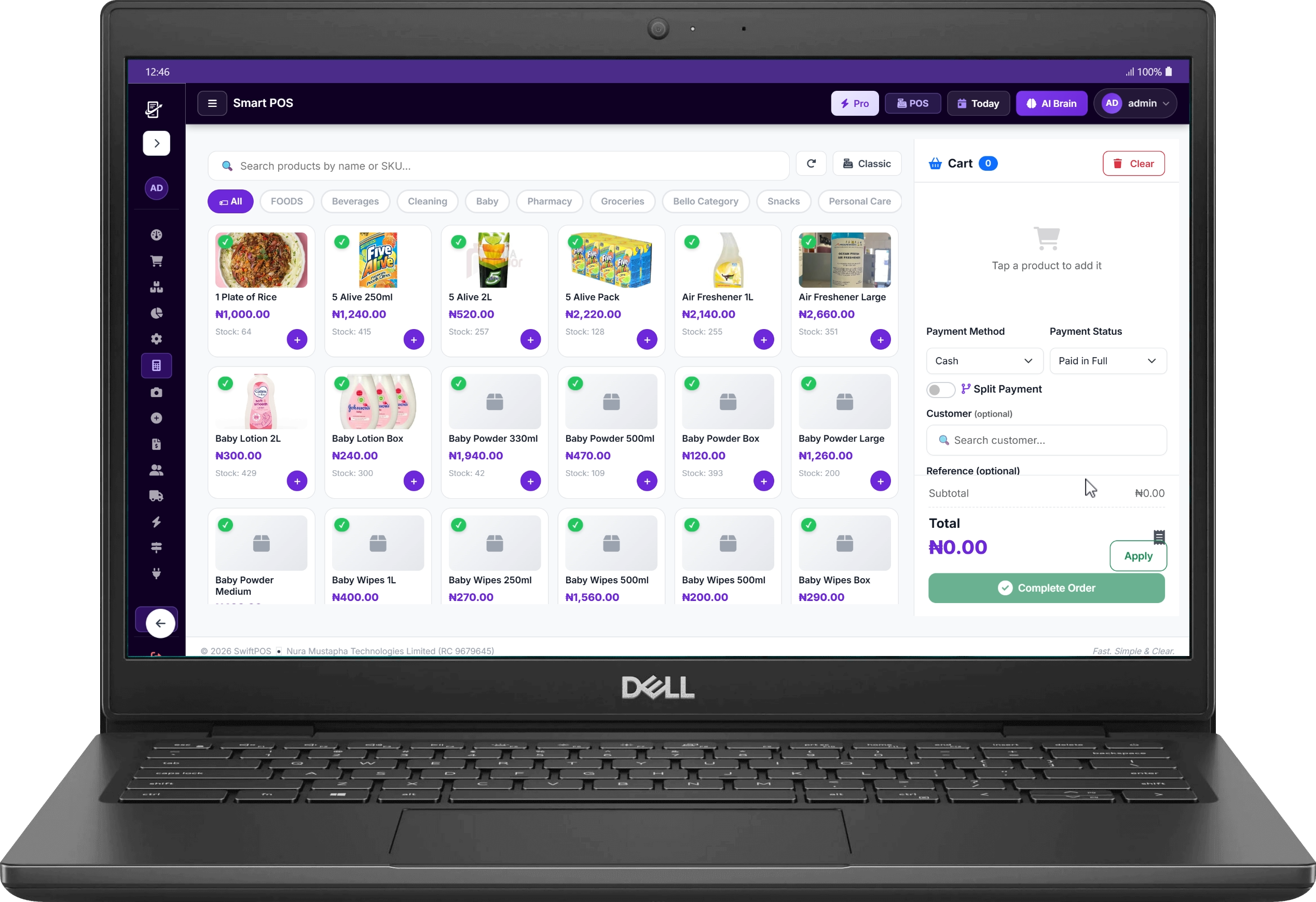
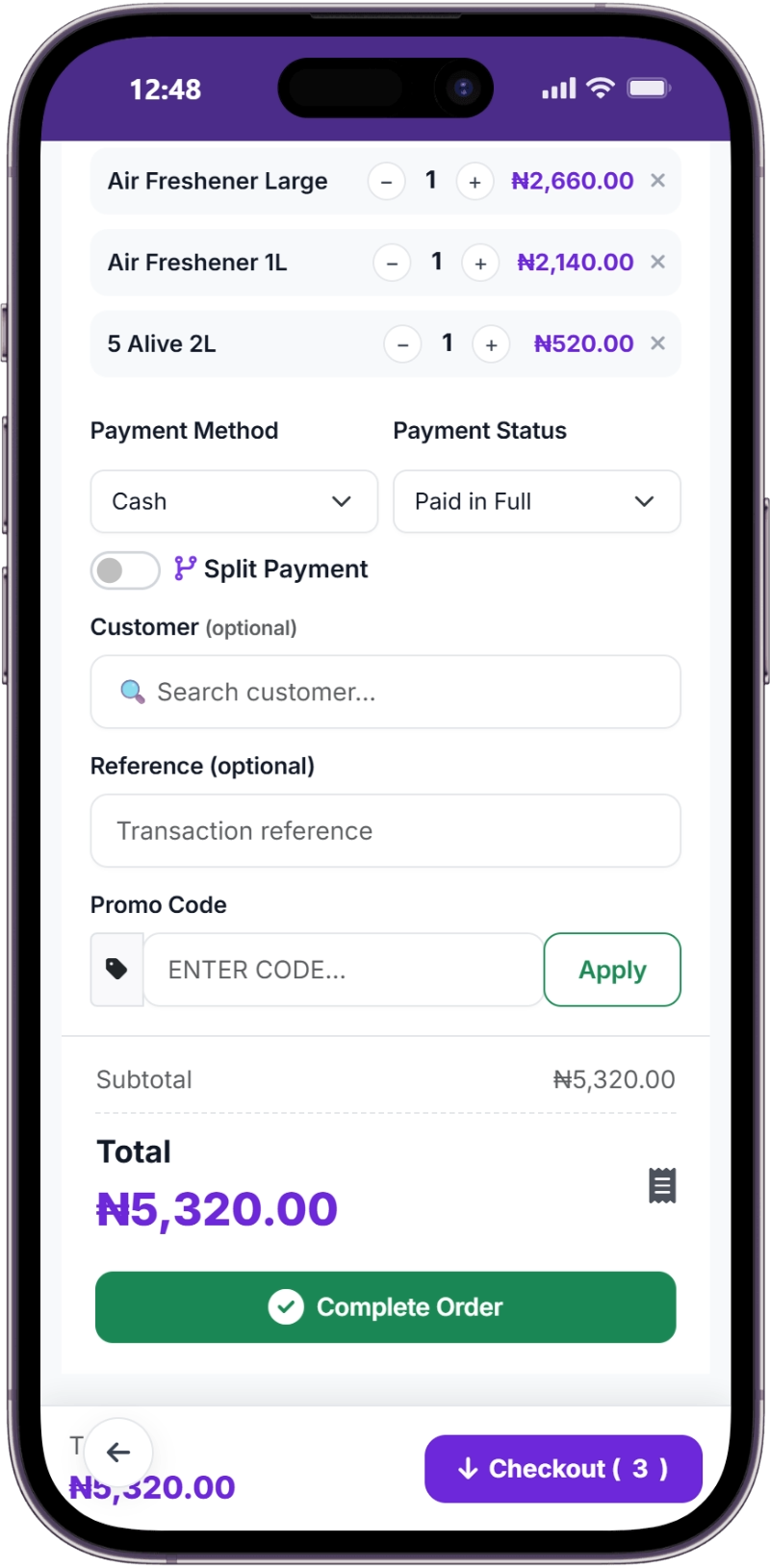
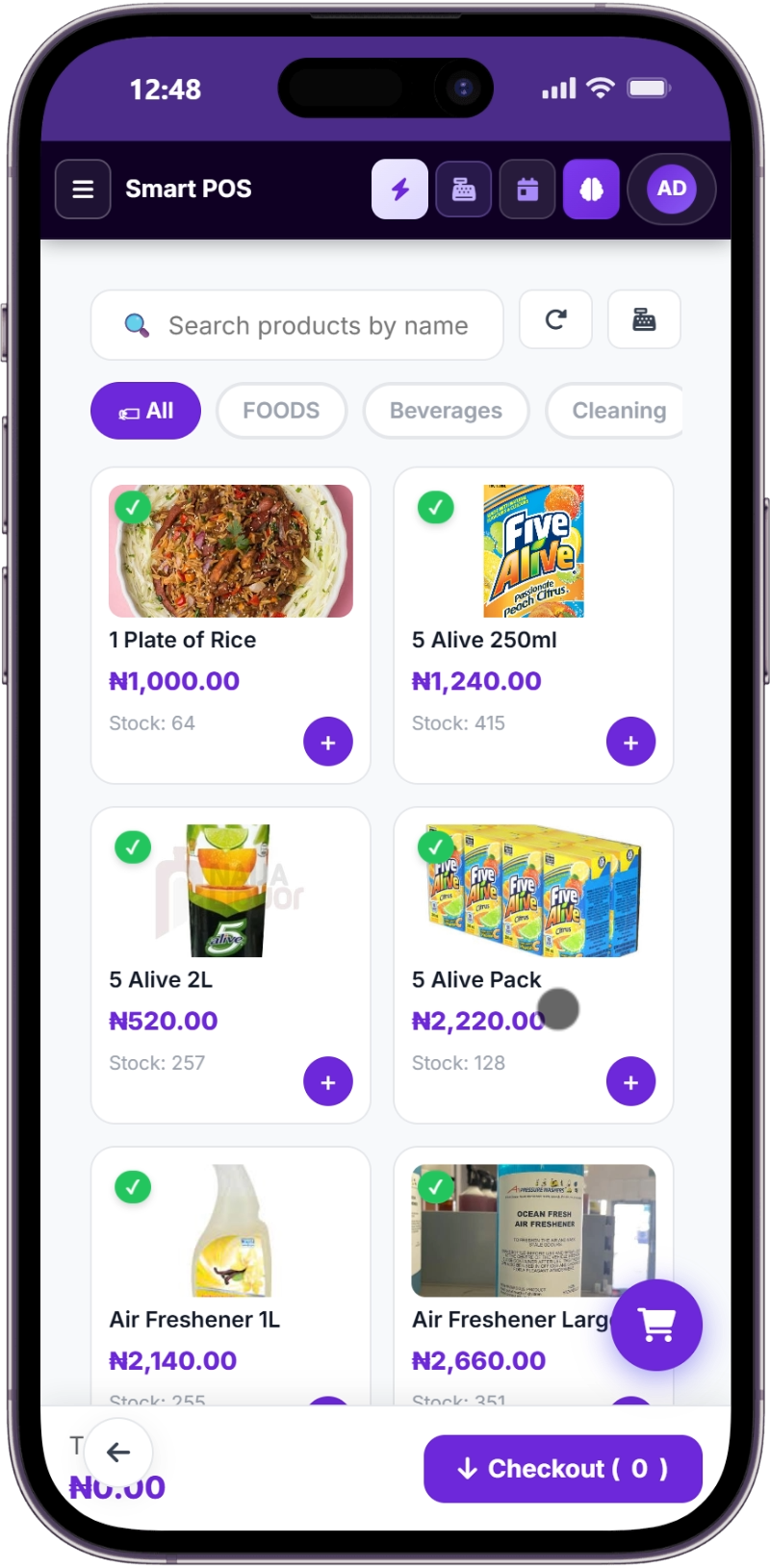
A checkout built for busy counters
Ring up sales in a fraction of a second, scan barcodes instantly, print crisp receipts and take any mix of payment methods.
- Dual POS interface — classic list or visual grid cards
- Flexible payments — cash, bank transfer, QR and card, with split support
- Offline mode — sales are saved locally and sync automatically
- Held carts — park a cart and serve the next customer
Scan, don’t search
Check out faster with handheld barcode guns, desktop readers, or the camera on your tablet or phone.
- Works with USB and Bluetooth scanners or device cameras
- Built-in flashlight for scanning in low light
- Items drop into the cart instantly — no page reloads
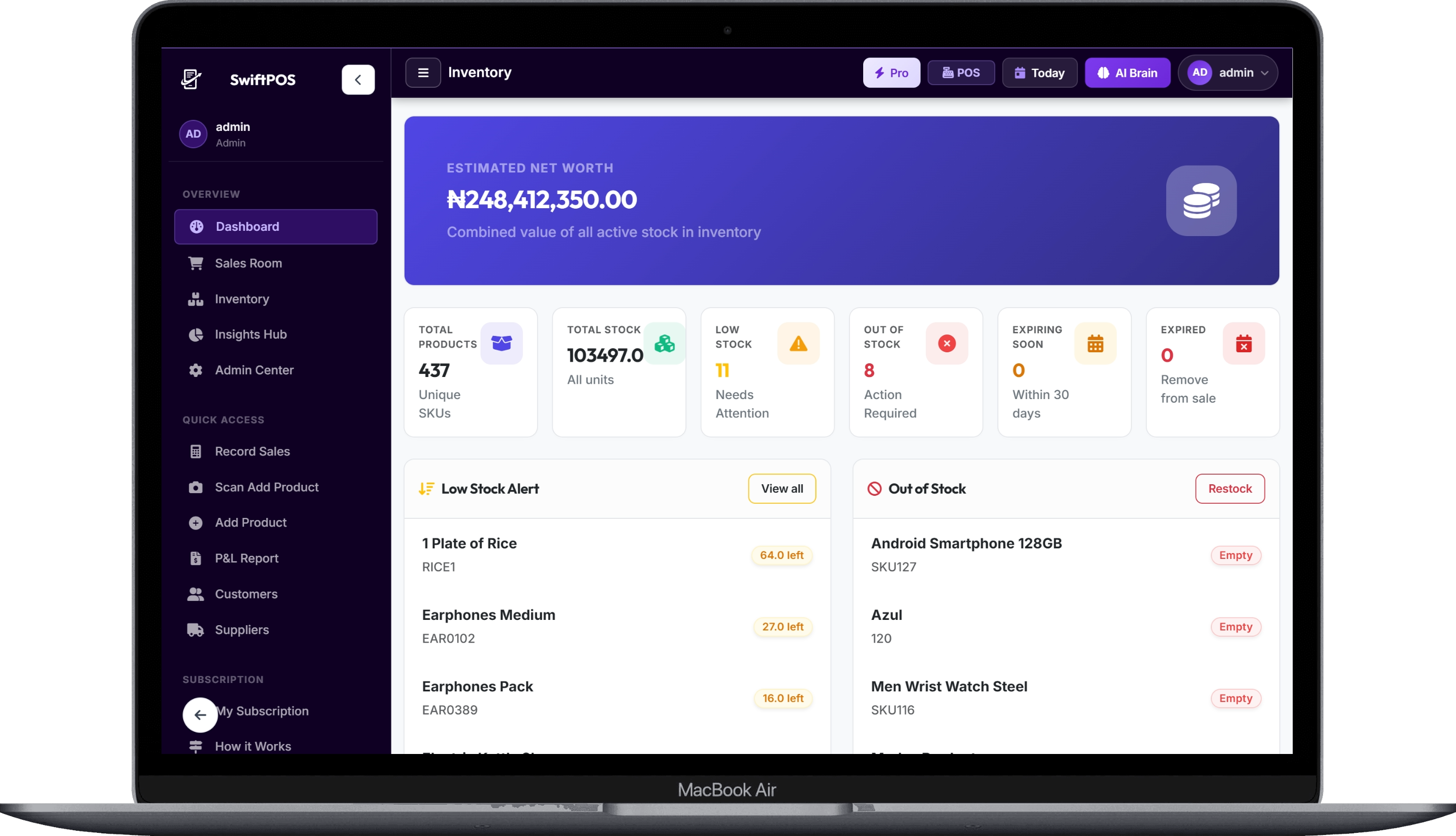
Stock that’s always right
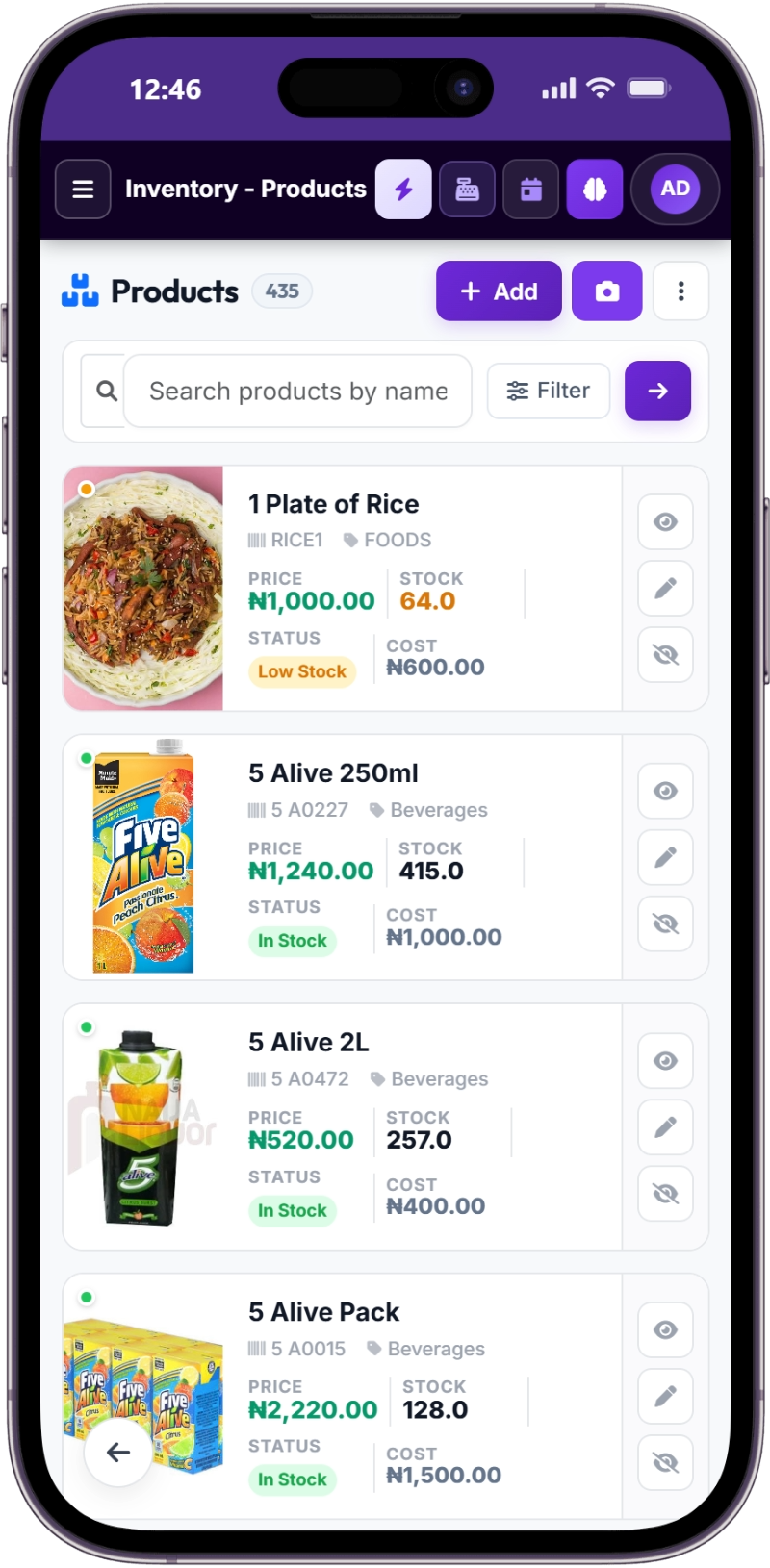
Every sale updates your stock levels automatically. Track expiry dates, import thousands of products in bulk and get warned before you run out.
- Stock levels recalculate on every sale
- Low-stock and out-of-stock alerts by SMS or WhatsApp
- Full history of supplier invoices, returns and restocks
- Fast bulk CSV import for thousands of products
- Expiry tracking (FEFO batches) and barcode label printing
Stop leakage before it starts
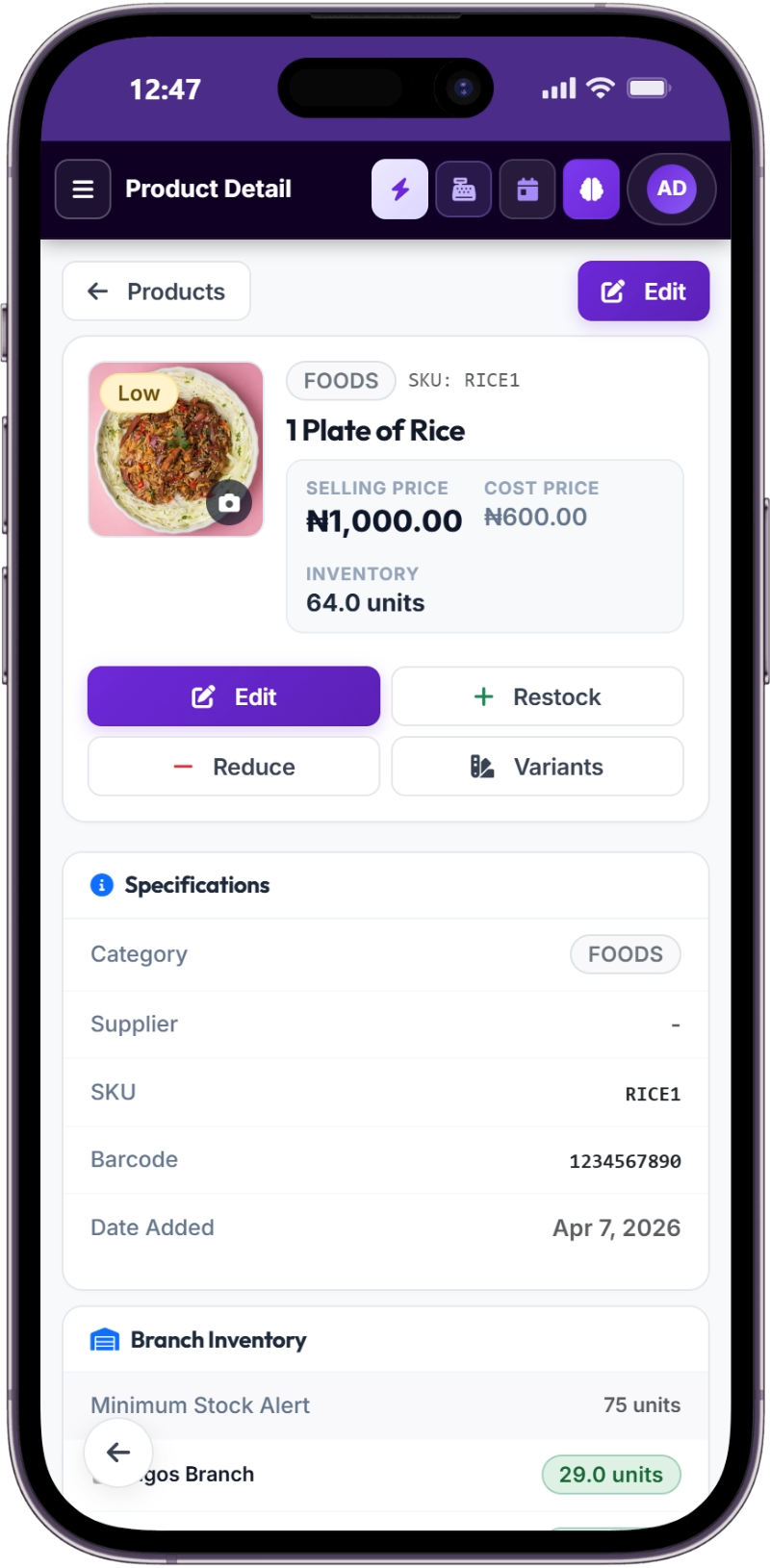
Restrict who can change prices or stock, require a supervisor PIN for refunds, and see every action in a live activity feed.
- Roles for cashiers, shift supervisors and managers
- PIN approval for inventory write-downs
- Permanent audit log that can’t be edited
- Flags suspicious patterns such as repeated voids
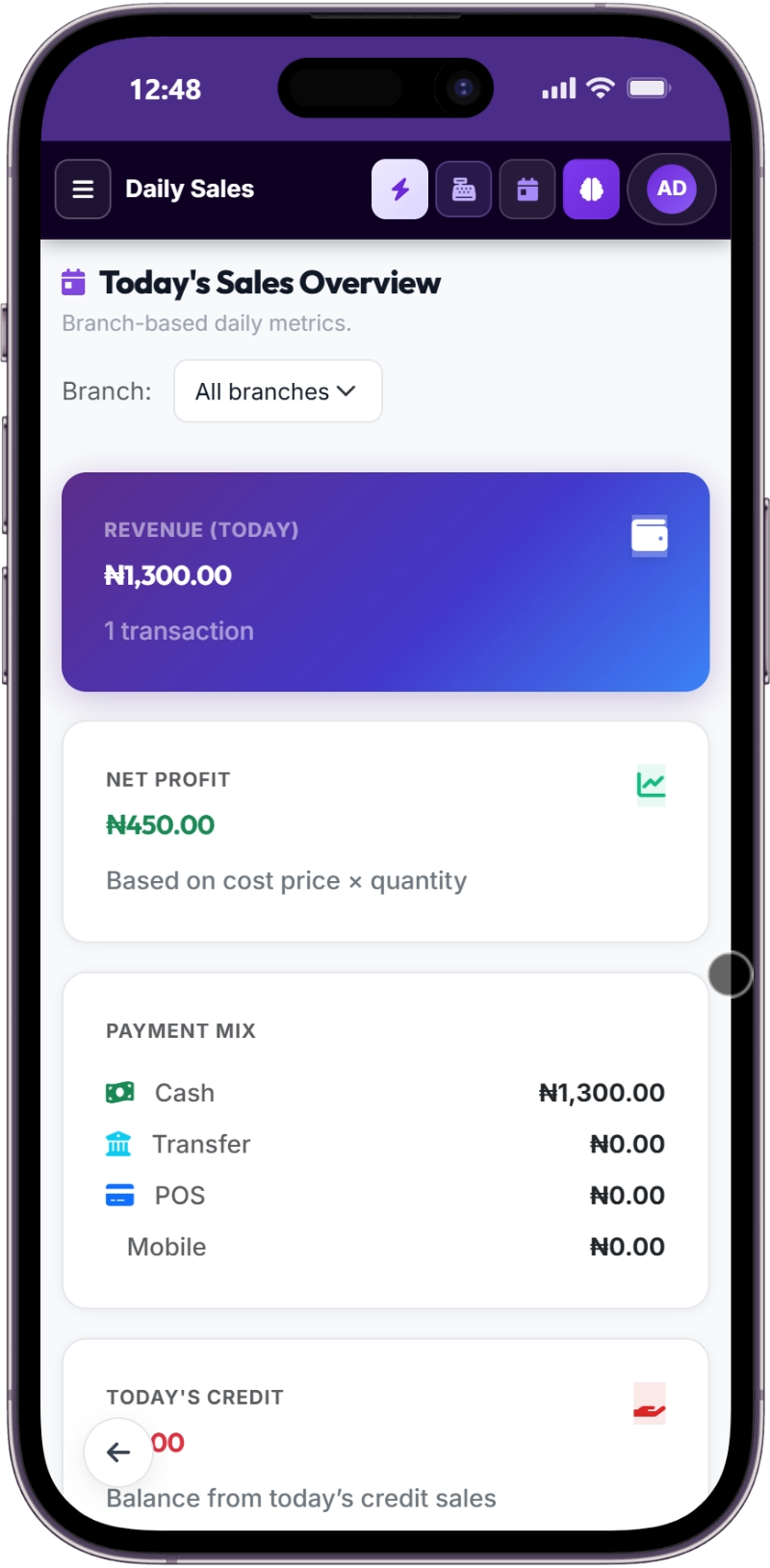
Know where every kobo goes
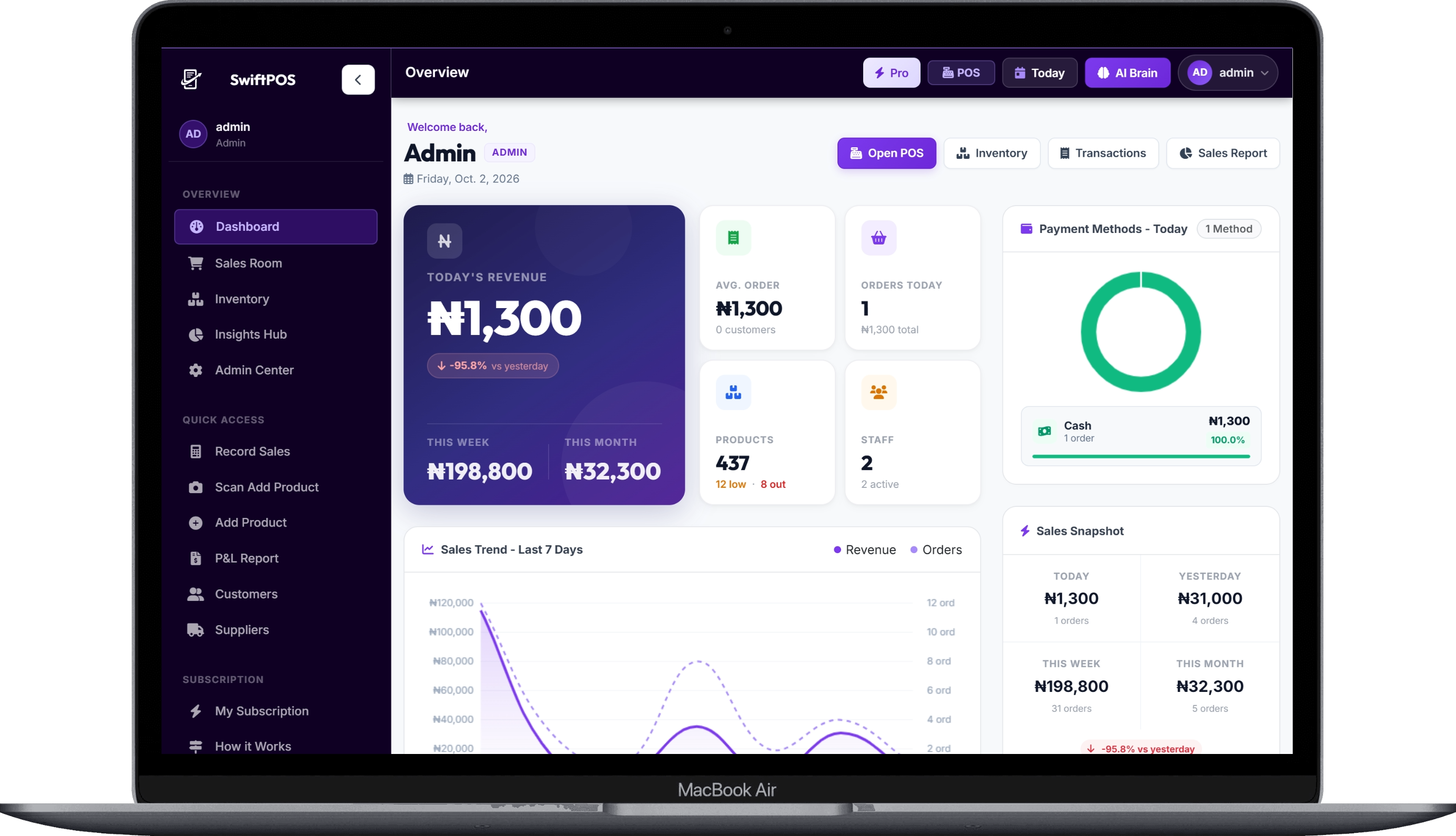
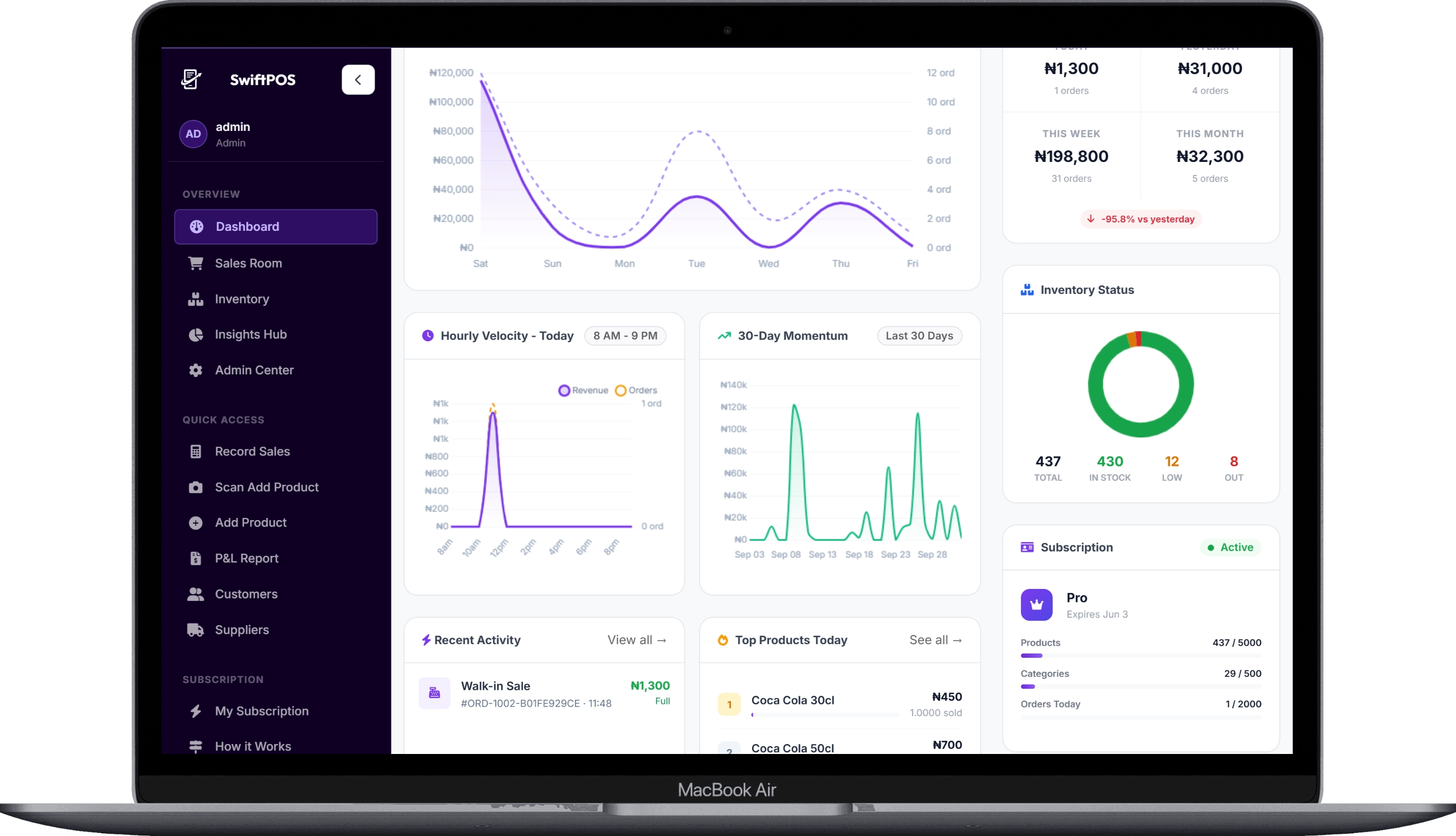
See your real net profit as you trade. Record overheads like rent, power and fuel, and download financial statements in one click.
- One-click profit & loss statements
- Cash vs bank transfer vs card breakdowns
- End-of-day summaries emailed to owners
- Export everything to CSV or PDF
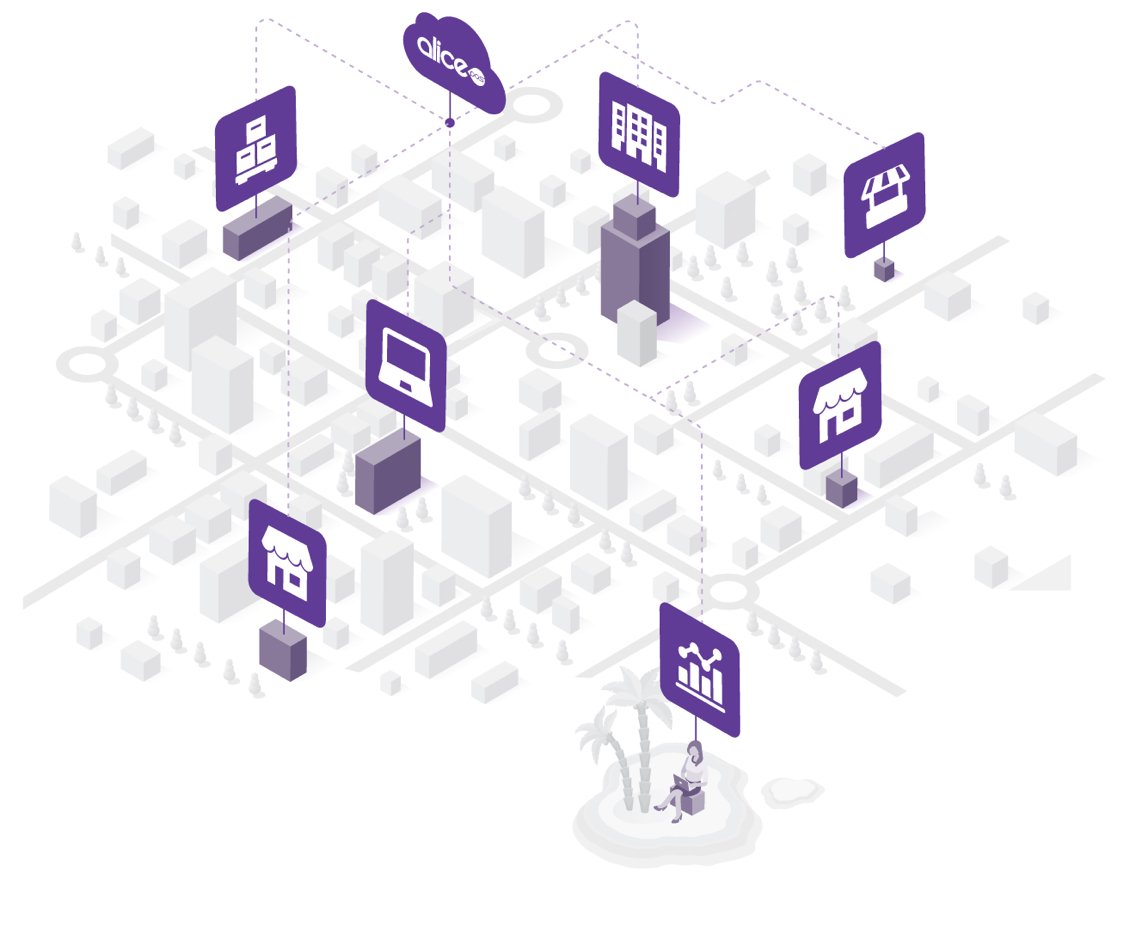
Run every branch from one account
See stock and cash across every location at a glance, and move inventory between warehouses and shops with a full paper trail.
- One central head-office dashboard
- Separate stock balances and staff per branch
- Tracked stock transfer requests between locations
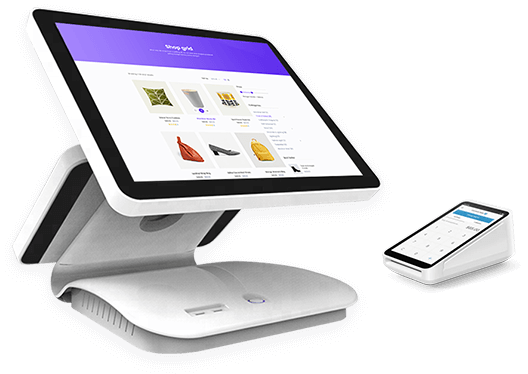
Assisted self-checkout kiosks
Cut queue times in half. Shoppers scan items at a tablet kiosk, get an order QR code, and only stop at the cashier to pay.
- Customer scans, cashier collects — staff keep control of cash
- QR order verification — instant lookup at the till
- Unlimited kiosk stations across your aisles
- Auto-expiry — abandoned kiosk carts release stock automatically
Suppliers & purchase orders
Track your whole buying cycle — from vendor profiles and purchase orders to deliveries and what you still owe.
- Vendor directory with contacts, bank details and lead times
- One-click restock POs from low-stock items
- Delivery checks — ordered vs received, with unit costs
- Accounts payable ledger for supplier debts and instalments
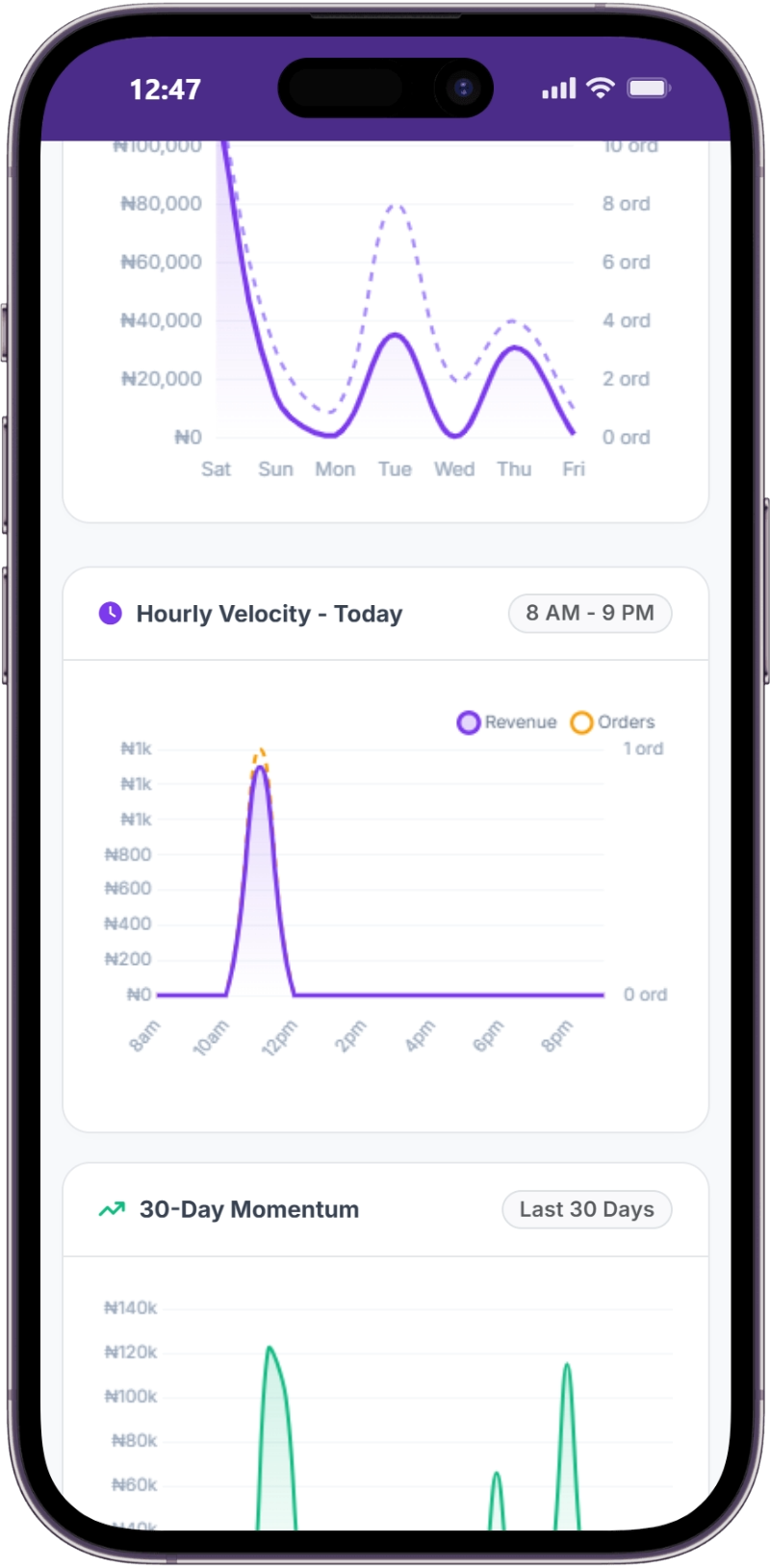
Know what to reorder — and what to stop buying
SwiftPOS reads your sales velocity to predict how many days of stock you have left and flags dead stock before it ties up your cash.
- Dead stock detection for items that aren’t selling
- Overstock warnings before you over-order
- Days-until-stockout forecast for every item
- Reorder suggestions from your last 30 days of sales
Business loans, under control
Record working-capital loans from banks, microfinance or fintech lenders, schedule repayments, and always know what’s left to pay.
- Multiple lenders — bank loans, cooperatives, equipment finance
- Repayment schedules — daily, weekly or monthly
- Interest vs principal split correctly in your P&L
- Maturity reminders before large repayments fall due
How SwiftPOS runs your day
One simple flow connects your stock, your staff and your counter sales — straight to your phone.
Import your stock
Upload your product list as a CSV, or scan items in one by one with a barcode gun. Ready in minutes.
Give cashiers PINs
Each cashier gets a profile. They can sell; price changes need a manager’s PIN.
Sell at speed
Take cash, card or transfer, print receipts or invoices — even with no internet.
See real profit
Daily reconciliation by email, with supplier bills and expenses already taken off.
Your store in your pocket.
Watch sales, check stock and get alerts from anywhere in the world.
- Live business dashboard — sales, profit and stock in real time
- WhatsApp alerts for low stock and suspicious activity
- Full audit trail of cashier activity and deleted carts
- Runs anywhere — desktop, tablet, POS terminal or phone browser
Ready to scale your retail business?
Join 500+ Nigerian businesses using SwiftPOS to protect their stock, control their cash and serve customers faster.